Best printer for coloring pages: laser vs inkjet at home
Almost any working printer can print a good coloring page, because a coloring page is only black lines on white paper. The printer type matters more for cost and hassle than for quality. If you print a lot of black line art and little else, a monochrome laser printer is the low-maintenance choice. If you also want photos, color activity sheets or the widest choice of paper, an inkjet (or an ink tank model) fits better. Whatever you own, the settings matter more than the brand: black only, normal quality, one-sided.
This guide is about choosing and running a printer. For the print dialog itself (scaling, gray lines, phone printing), see how to print coloring pages.
What a coloring page asks of a printer
A coloring page is an unusually easy print job:
- Solid black lines. No color, no photo shading, no fine gradients.
- Low coverage. Most of the sheet is white, so each page uses little ink or toner compared with a photo.
- Bursts of printing. Families tend to print ten pages on a rainy Saturday and then nothing for two weeks.
- Sometimes heavier paper. Light cardstock for markers or paint, which not every paper path handles.
Those last two points are where the printer types really differ.
Laser vs inkjet for line art
| Monochrome laser | Inkjet (cartridges) | Ink tank inkjet | |
|---|---|---|---|
| Black line quality | Sharp, solid | Sharp at normal quality | Sharp at normal quality |
| Color pages and photos | No | Yes | Yes |
| Upfront price | Usually higher than a basic inkjet | Usually lowest | Compare against your print volume |
| Long gaps between prints | Toner powder, no ink to keep flowing | Uses some ink on maintenance | Uses some ink on maintenance |
| Thick paper and cardstock | Check the manual | Check the manual | Check the manual |
Laser printers. Brother's comparison describes laser printers as using toner powder that is fused to the paper by heat, and for black-and-white printing it says to choose a monochrome laser printer. The same page notes that inkjet costs less upfront while laser offers lower long-term costs. For a household that prints mostly coloring pages, homework and forms, that is a good match: no color supplies to buy and no ink to keep flowing between print sessions.
Inkjet printers. Inkjets spray tiny droplets of ink and do color and photos well. The catch for occasional printing is maintenance ink. Epson's ink information page says all ink colors are used for printing and printer maintenance, all colors have to be installed to print, and all colors are used for maintenance even during extended black-only printing. It also says some printers run scheduled printhead cleaning cycles that consume ink, and that yields may be lower when printing infrequently. So an inkjet used for black coloring pages twice a month still spends some color ink keeping itself ready.
Ink tank printers. These are inkjets filled from bottles instead of cartridges. Epson's EcoTank page says its latest models include enough ink to last up to 3 years, and the footnote bases that on average monthly document volumes of about 125 to 150 pages, depending on model. If your household prints that much, a tank model can make sense. If you print twenty pages a month, the bigger upfront price takes longer to pay back. Epson's own savings page compares its tank models against cartridge printers at different monthly volumes and notes that actual savings vary with what and how much you print.
Brother's advice for picking between color and black-only is plain: if you will print primarily in black and white, a monochrome printer might be the way to go, and if you want colorful images and photos, a color printer is the better option.
How to work out cost per page yourself
Printer makers publish a rated page yield for each cartridge, toner or bottle. The math is one line:
cost per page = price of the supply / rated page yield
A few honest caveats before you trust the number:
- Yields are measured on standard test pages. Epson explains that its cartridge yields follow the ISO/IEC 24711 and 24712 standards, printed continuously in default mode on plain paper. Your pages are not the test pages.
- Coloring pages are lighter than the test pages in some ways and heavier in others. Thin outlines use little ink. A page with big black areas (a night sky, a black cat) uses far more.
- Occasional printing lowers the yield. Epson says so directly on the same page.
- Use the maker's own figures for your model. Look on the supply's product page or box for the rated yield. Do not compare one maker's estimate against another's marketing claim.
If you are deciding between two printers, run the math for both with each model's standard and high-yield supplies, then add the difference in purchase price.
Settings that save ink without ruining the lines
The cheapest page is the one you print once.
- Black only or grayscale. Stops a color printer from mixing colored inks into the black.
- Normal quality, not draft. Draft can leave lines faint and gray, and then you print the page again.
- Print a test page. One sheet first, then the stack.
- Avoid heavy black fills when you choose pages. For everyday printing, pick outline-only pages and save the big black-background ones for special occasions.
- Print in one batch. On an inkjet, a weekly batch is kinder to the nozzles than a page here and there.
Paper and the paper path
Check two numbers in your printer's manual before buying paper: the heaviest paper it accepts, and which tray to use for it. Many printers want cardstock through a rear or manual feed rather than the main drawer. The paper guide explains paper weights and which ones suit crayons versus markers.
If you do not want a printer at all
Plenty of families never buy one. Libraries and office supply stores print black-and-white pages for a per-page fee, and a print shop can do a whole book. The print shop guide covers what to ask for, and if you want to bind pages at home, see printing and binding a coloring book at home.
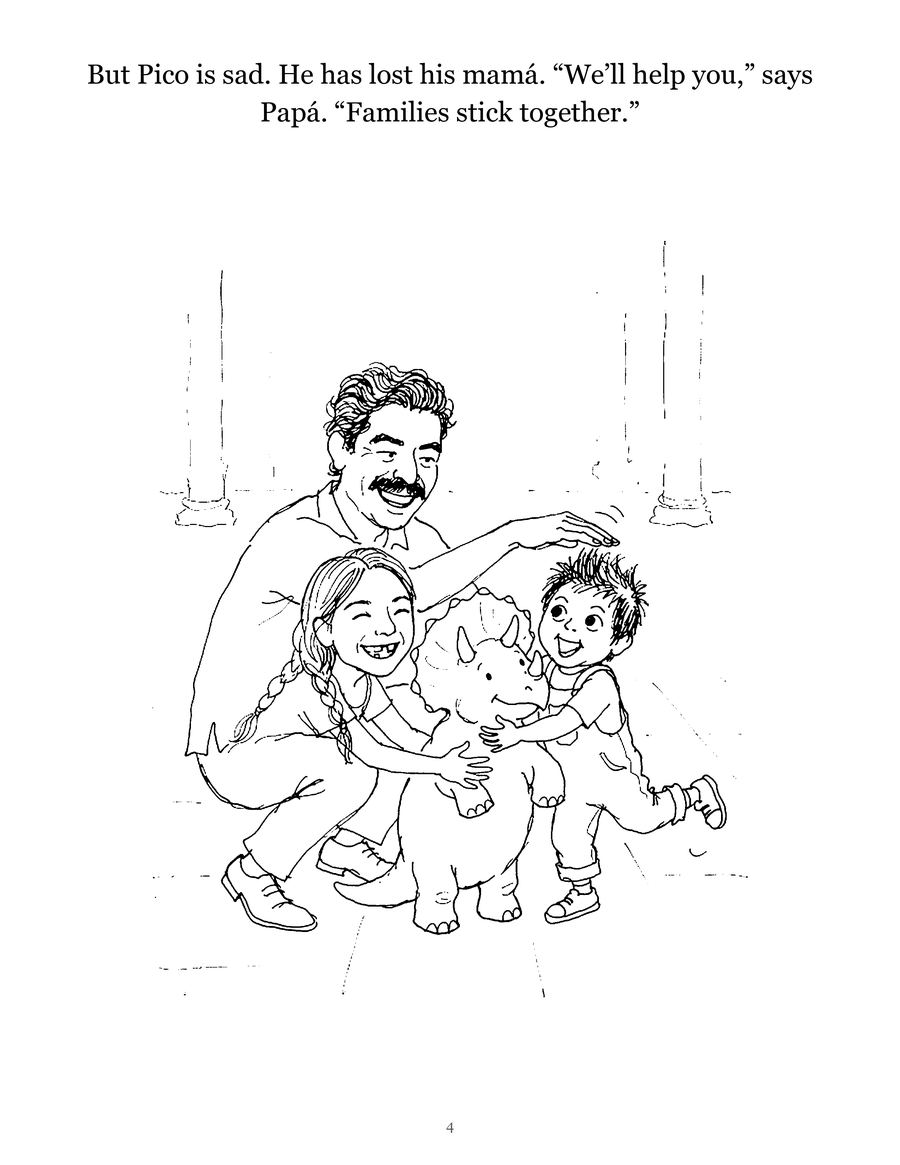
A Colorkin storybook arrives as a printable PDF of black line pages, so any of the printers above will handle it, laser or inkjet. There is also a printed keepsake version if you would rather skip the printer. For more on making and printing pages, see the make-your-own guides.
Questions parents ask
Is laser or inkjet better for printing coloring pages?
For pages that are only black lines, a monochrome laser printer is usually the lower-hassle choice: it is built for black printing and has no ink to dry out between print runs. An inkjet is the better fit if you also want color pages, photos or the widest range of paper.
Do I need a color printer for coloring pages?
No. Coloring pages are black line art, so a black-only printer prints them perfectly. You only need color for color-by-number keys, sample pictures, or photos.
How do I work out the cost per page of a printer?
Divide the price of a replacement cartridge, toner or ink bottle by its rated page yield, which makers publish for each supply. Treat the result as a rough guide: yields are measured on standard test pages, and makers say real results vary with settings and how often you print.
Is draft mode good for coloring pages?
Usually not. Draft saves ink by printing fainter, which can leave lines gray. Normal quality with a black-only setting gives solid lines without wasting ink.
See your own family on a page, free
Once the printer is sorted, try a page your kids will actually want to color. Send one photo and we will email a free sample coloring page, ready to print. No card needed.
Get a free sample pageMore in Make your own

Turn your child's drawing into a coloring page or a book
Turn a child's drawing into a coloring page: scan it, push it to pure black and white with Threshold, thicken lines, then print or bind a book.

Turn a photo into a coloring page for free: 4 methods that work
Four free ways to turn a photo into a coloring page: GIMP filters, the Photopea browser editor, tracing on a tablet or window, and a free drawing app.
How to write a short story starring your child
A simple 12-page template for writing a picture-book story with your child as the hero, plus tips on plot, length, pictures and reading it together.