Custom coloring book printing at Staples or a local shop
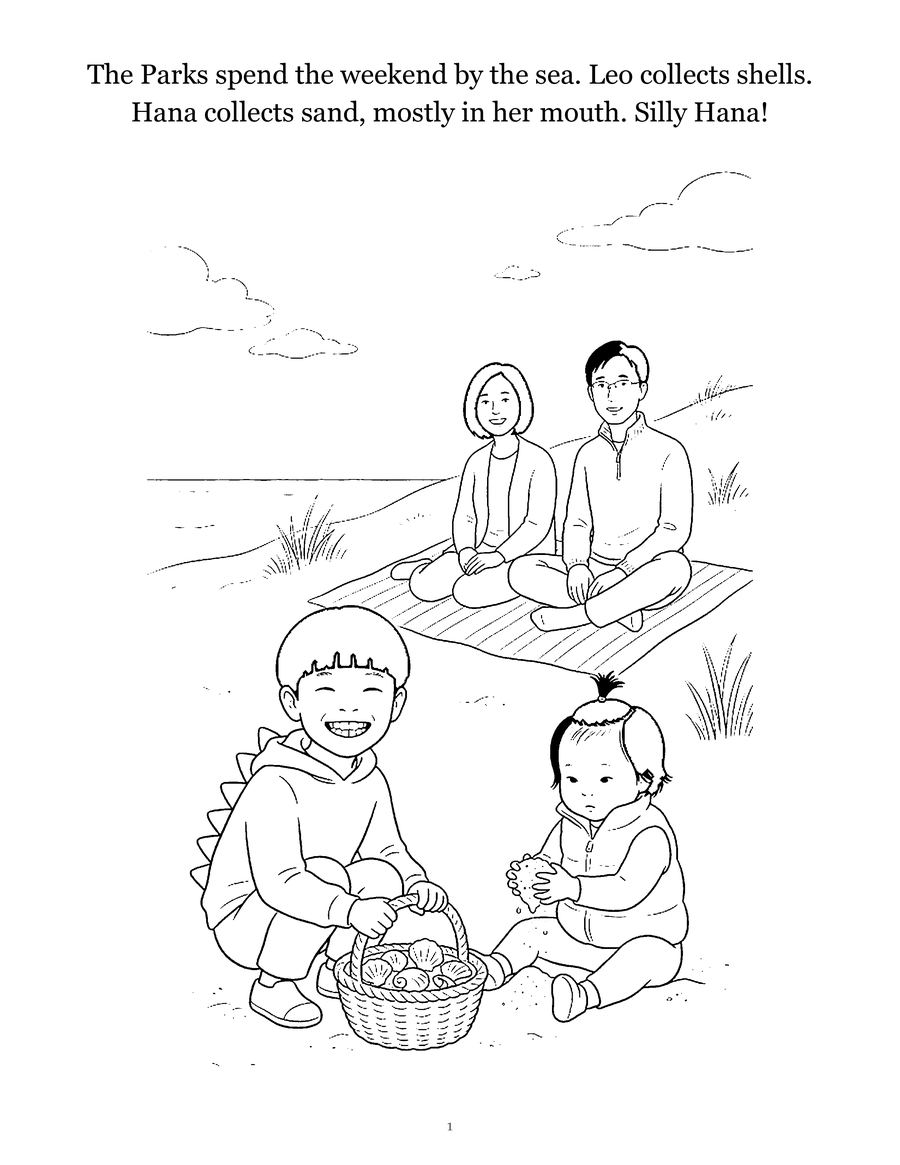
To print a coloring book at a print shop, bring one PDF with every page in reading order, sized to the finished page, and ask for a saddle-stitched (folded and stapled) booklet on heavy paper, printed one side if your kids use markers. Staples, FedEx Office, Office Depot and most local copy shops can do this. The details that trip people up are page count (saddle stitching works in multiples of four), bleed (only needed if art runs off the edge), and paper weight. Below: the questions to ask, how to prepare the file, and what one big chain's own page says, read on October 25, 2026.
Pick the binding before anything else
The binding decides how you lay out the file.
- Saddle stitch. Sheets folded in half and stapled along the fold. Cheap, quick, and the standard choice for a booklet. Pages come in fours, because each folded sheet makes four pages.
- Spiral or coil. Single sheets punched and bound. Lies flat, which small kids like, and lets you print one side only without wasting the backs.
- Perfect bound. Glued spine, like a paperback. Usually an online print-on-demand job rather than same-day at a counter.
Not sure? The guide to binding a coloring book at home compares the options in more detail. For toddlers, spiral is the sturdiest.
What Staples' booklet page says
Staples' booklet printing page lists saddle-stitched binding, available from 8 up to 80 pages, with multiple paper stocks and sizes. Its file preparation notes are useful anywhere:
- The final page count must be a multiple of four. If not, blank pages are inserted before the back cover.
- Save the file as individual pages in reading order: front cover, inside front cover, interior pages, inside back cover, back cover.
- Do not use double-page spreads.
- Include blank pages where you want them.
- All files are printed in CMYK color mode.
On October 25, 2026, the same page listed booklets from $1.70 per 8 pages in black and white. Paper upgrades, color and a heavier cover change that, so treat it as a floor, not a quote.
I could not read a current booklet page for FedEx Office or Office Depot, so I am not quoting their specs or prices. Ask them the same questions below.
Questions to ask at the counter (or in the upload form)
- What paper weights do you have for the inside pages? Ordinary copy paper is fine for crayons. For markers, ask for something heavier, or a cardstock option. The paper guide explains the weights and why the numbers do not compare across paper types.
- Can you print one side only? For marker users, yes. For a saddle-stitched booklet this means every other page is blank, which doubles the page count, so a spiral binding may be cheaper.
- Can the cover be a heavier stock than the inside? A card cover survives far longer in a diaper bag.
- Black and white inside, color cover? Many shops price these separately. Coloring pages only need black.
- Do you need bleed, and can you print to the edge? Most coloring pages have white margins and need no bleed. A full-color cover photo usually does.
- Can I see a proof or one printed copy before the full run? Always say yes to this.
- When will it be ready, and what does reprinting a single copy cost later?
Prepare the PDF
Shops ask for slightly different things, but these settings work almost everywhere. They line up with Lulu's PDF creation settings, which are unusually clear:
| Setting | What to do |
|---|---|
| File | One PDF, all pages in order, single pages not spreads |
| Page size | The finished size, such as 8.5 x 11 in |
| Images | 300 ppi |
| Fonts | Embedded (or converted to outlines) |
| Safety margin | Keep lines and text 0.5 in from the edge |
| Bleed | 0.125 in, only if art touches the edge |
| Crop marks | Leave them off unless the shop asks |
| Security | No password or protection |
Bleed in plain words. Mixam's bleed guide explains that bleed is image or color extending past the trim size, so a slight shift during trimming does not leave a white sliver at the edge, and asks for a 0.125 in bleed area. For a coloring page with a white border, there is nothing to extend, so you can skip it. For a full-color cover, extend the background past the edge on all sides.
Exporting. From Photoshop, choose File > Save As > Photoshop PDF, and in the Save Adobe PDF dialog pick a preset for where the file is going, such as a commercial printer. Adobe's PDF page also mentions PDF/X options, which remove color and font variables that cause printing problems. A local copy shop rarely needs PDF/X; a large commercial press might. From Canva, the Canva coloring page guide covers downloading a PDF Print file.
Before you upload, open the PDF on your own screen and page through it. Check that page 1 is the cover, that nothing is cut off near the edge, and that the lines are black rather than gray. The home printing guide has a section on why pages go gray and how to fix the file.
Local shop or online printer?
| Local or chain copy shop | Online print-on-demand | |
|---|---|---|
| Speed | Same day or next day is common | Days to weeks, plus shipping |
| Binding | Saddle stitch, spiral, coil | Adds perfect bound, sometimes hardcover |
| Checking quality | In person, before you pay | After it arrives |
| Extra copies later | Re-upload and reprint | Usually reorder from your account |
Lulu, for example, has a coloring book printing page that lists paperback and lay-flat coil-bound coloring books printed from your own files, and says you can order a single copy. For a single copy you want before a birthday on Saturday, the local counter usually wins. For ten copies for grandparents, get quotes from both.
If you would rather not build the file at all, Colorkin makes coloring storybooks from family photos, drafted with AI illustration tools and checked and finished by a person, as a printable PDF you can take to any of these shops or as a printed paperback. The free routes to making your own pages are in the free photo-to-coloring-page guide, and more guides are under make your own.
Questions parents ask
Can Staples print a coloring book?
Yes, as a booklet. Staples' booklet page lists saddle-stitched binding from 8 up to 80 pages, asks for single pages in reading order rather than spreads, and says the page count must be a multiple of four or blank pages are added before the back cover.
How much does it cost to print a coloring book at a print shop?
It depends on page count, paper, color and binding. On October 25, 2026, Staples listed booklets from $1.70 per 8 pages in black and white. Get a quote with your real page count and paper before you order more than one copy.
What file should I bring to the print shop?
One PDF with every page in order, sized to the finished page, fonts embedded, images at about 300 ppi, no password. Add 0.125 in of bleed only if artwork runs to the edge of the page.
Should coloring pages be printed on both sides?
For markers, print one side only, or use heavy paper, because marker ink can show through. For crayons and colored pencils, two-sided printing on heavier paper is usually fine. Ask the shop for a sample sheet.
Is a local shop or an online printer better?
A local shop is best for one or a few copies you need this week and want to check in person. An online print-on-demand service is often better for perfect-bound books, a printed cover and extra copies ordered later.
See your own family on a page, free
Want pages worth printing? Send one photo and we will email you a free sample coloring page of your child, checked by a person. No card needed.
Get a free sample pageMore in Make your own
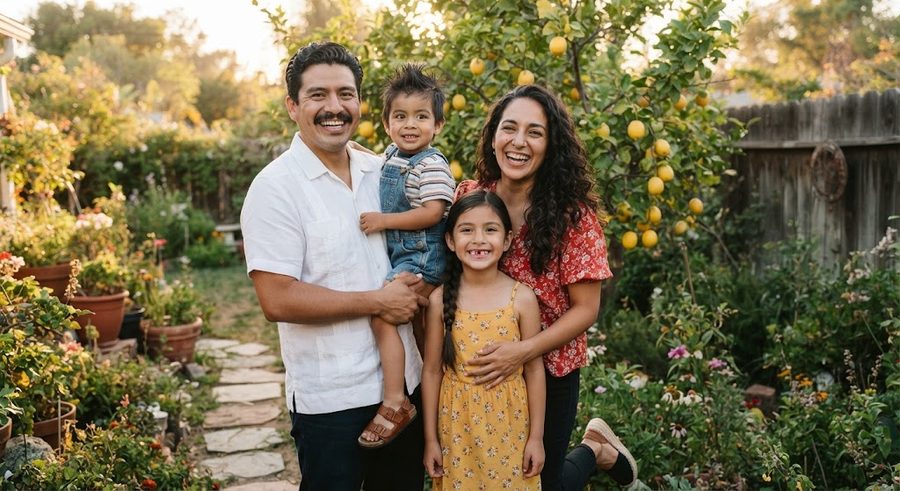
Turn your child's drawing into a coloring page or a book
Turn a child's drawing into a coloring page: scan it, push it to pure black and white with Threshold, thicken lines, then print or bind a book.

Turn a photo into a coloring page for free: 4 methods that work
Four free ways to turn a photo into a coloring page: GIMP filters, the Photopea browser editor, tracing on a tablet or window, and a free drawing app.
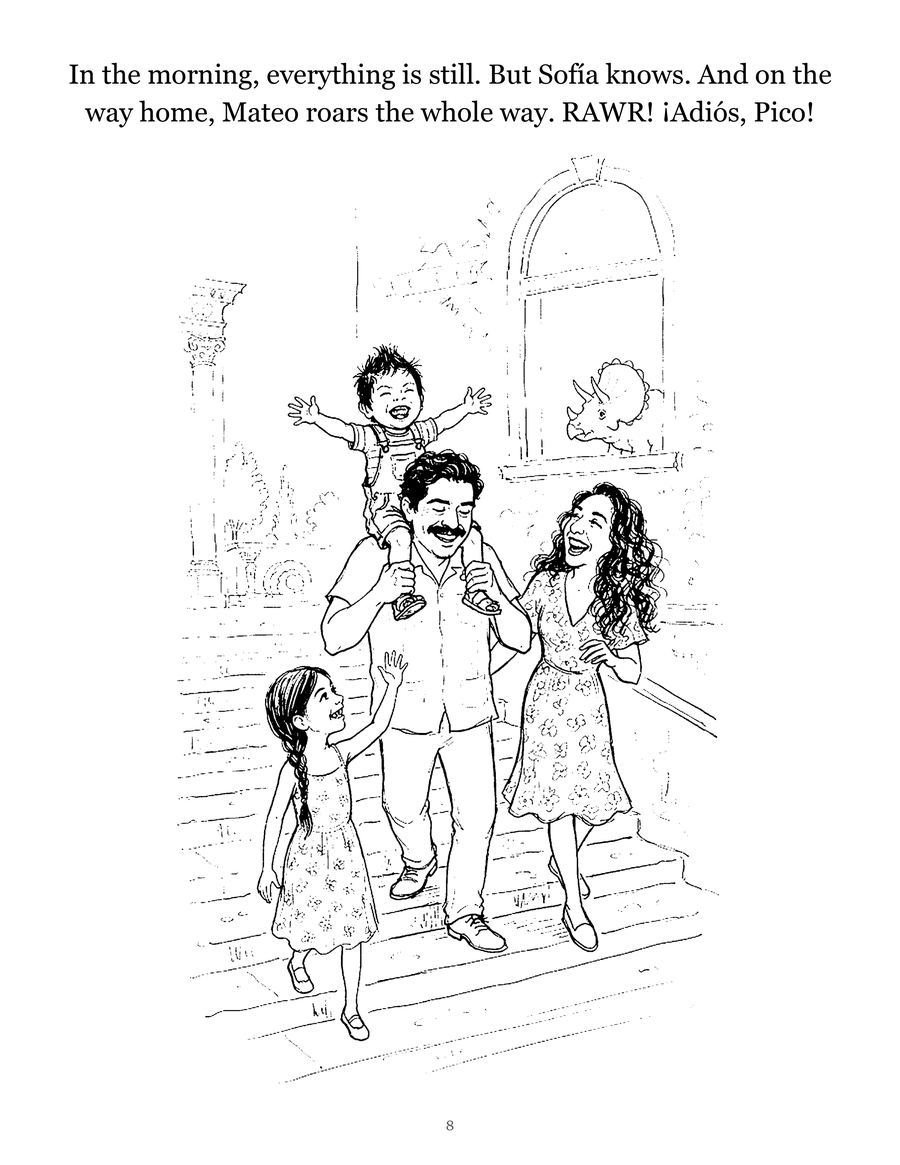
How to write a short story starring your child
A simple 12-page template for writing a picture-book story with your child as the hero, plus tips on plot, length, pictures and reading it together.